ChatGPT切割读取PDF文档并进行相关操作

代码地址:

https://github.com/ywchiu/largitdata/blob/master/code/Course_222.ipynb

代码解释:

1
2
3
4
import requests
res = requests.get('https://cdn.openai.com/papers/gpt-4.pdf')
with open('gpt-4.pdf', 'wb') as f:
f.write(res.content)

使用requests库爬取到案例中gpt-4.pdf文档的内容,再写入一个文件名为“gpt-4.pdf”的文件,写入的内容为返回值res中的content部分。

1
2
3
4
5
6
from pypdf import PdfReader

reader = PdfReader("Single-cell RNA counting at allele and isoform resolution using Smart-seq3-protocol.pdf")
number_of_pages = len(reader.pages)
page = reader.pages[0]
text = page.extract_text()

pypdf库用于读取pdf文件,但对于图像的读取较弱。

number_of_pages:获取pdf的总页数

page:取pdf的第一页

text:获取第一页的文本内容

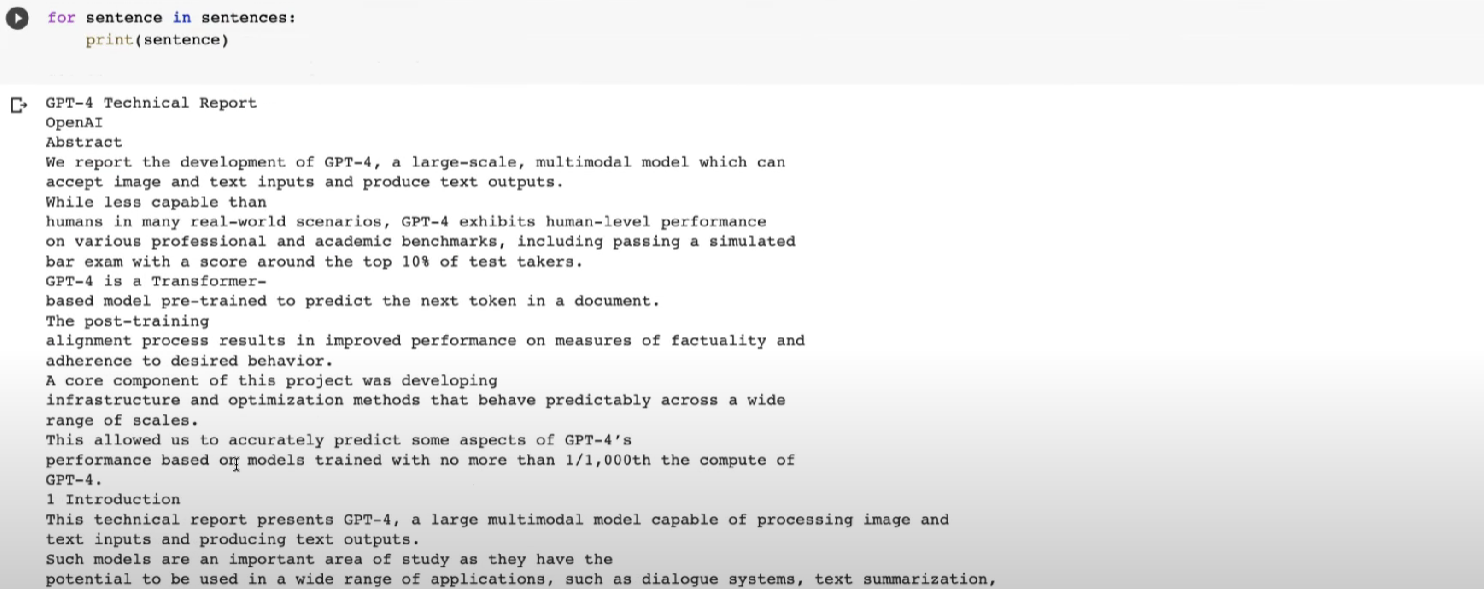
获取到的内容如下

Untitled

需要注意的是,ChatGPT能够接受的Tokens的数量为4096 Tokens (中文大概 2000字),所以需要对文字进行切割,且保留文本原有意义。

1
pip install nltk

nltk库是Python自然语言处理工具库,可以帮助切割文字

1
2
from nltk.tokenize import sent_tokenize
sentences = sent_tokenize(text)

导入nltk库,将文本分成一段段sentences

Untitled

安装openai库

1
pip install openai

openai api调用格式如下

“role”: “system”中的content是对ChatGPT的提问(案例中是让ChatGPT对切割的文字进行了翻译)

“role”: “user”中的content是 sentences[0]:切割的第一句话

1
2
3
4
5
6
7
8
9
10
import openai
openai.api_key = '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'

completion = openai.ChatCompletion.create(
model="gpt-3.5-turbo",
messages=[
{"role": "system", "content": "请你成为文章翻译的小帮手,请协作翻译以下技术文档,以简体中文输出"},
{"role": "user", "content": sentences[0]},
]
)

提取出ChatGPT的回答内容

1
completion.choices[0].message.content

Untitled

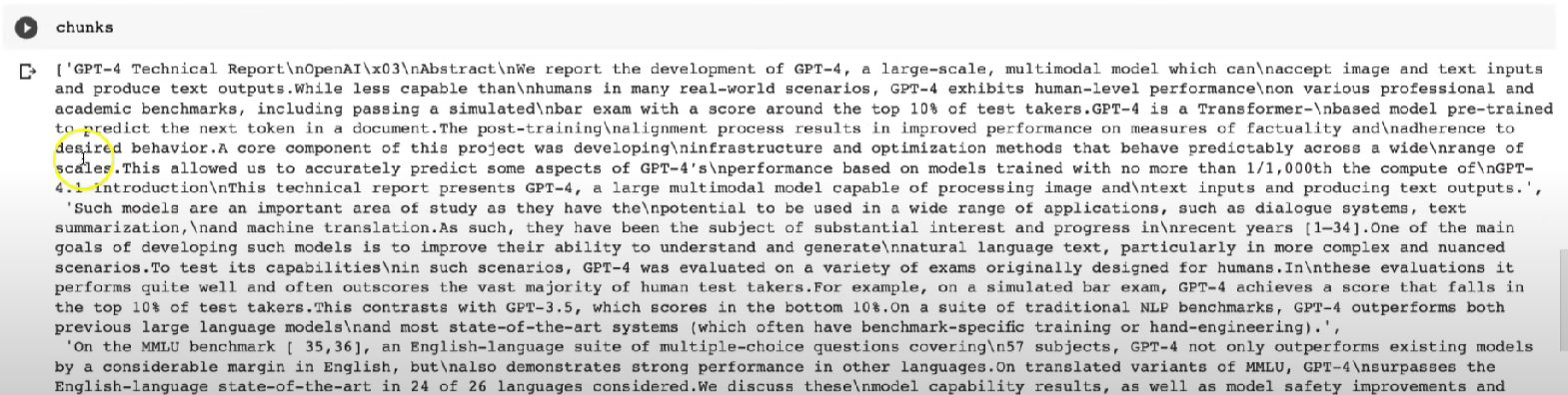
将sentences每当1000字时存入chunks中

1
2
3
4
5
6
7
8
input_sentences = ''
chunks = []
for sentence in sentences:
input_sentences += sentence
if len(input_sentences) > 1000:
chunks.append(input_sentences)
input_sentences = ''
chunks.append(input_sentences)

Untitled

再调用ChatGPT的api对文字进行处理

1
2
3
4
5
6
7
8
9
completion = openai.ChatCompletion.create(
model="gpt-3.5-turbo",
messages=[
{"role": "system", "content": "请你成为文章翻译的小帮手,请协作翻译以下技术文档,以简体中文输出"},
{"role": "user", "content": chunks[0]},
]
)

completion.choices[0].message.content

Untitled

流程整理

1
2
3
4
5
6
7
8
9
10
11
12
13
14
15
16
17
18
19
20
21
22
23
24
25
26
27
28
29
30
31
32
33
34
35
36
37
from pypdf import PdfReader
from nltk.tokenize import sent_tokenize
import time
pdf_name = "gpt-4.pdf" #@param {type:"string"}
reader = PdfReader(pdf_name)
number_of_pages = len(reader.pages)

chunks = []

for i in range(number_of_pages):
page = reader.pages[i]
text = page.extract_text()
sentences = sent_tokenize(text)
input_sentences = ''

for sentence in sentences:
input_sentences += sentence
if len(input_sentences) > 1000:
chunks.append(input_sentences)
input_sentences = ''
chunks.append(input_sentences)
output_file = "translated_texts.txt"
with open(output_file, 'w', encoding='utf-8') as f:
for i in range(10):
completion = openai.ChatCompletion.create(
model="gpt-3.5-turbo",
messages=[
{"role": "system", "content": "请你成为文章翻译的小帮手,请协作翻译以下技术文档,以简体中文输出"},
{"role": "user", "content": chunks[i]},
]
)
translated_content = completion.choices[0].message.content
time.sleep(20)
# f.write("原文: " + chunks[i] + "\n")
f.write(translated_content + "\n\n")
print('原文:', chunks[i])
print('翻译结果:',translated_content)

需要注意的是,对于ChatGPT的访问频率不能过高,否则会报错,由此在原代码的基础上添加了

1
time.sleep(20)

来延长访问的时间间隔

程序存在的问题

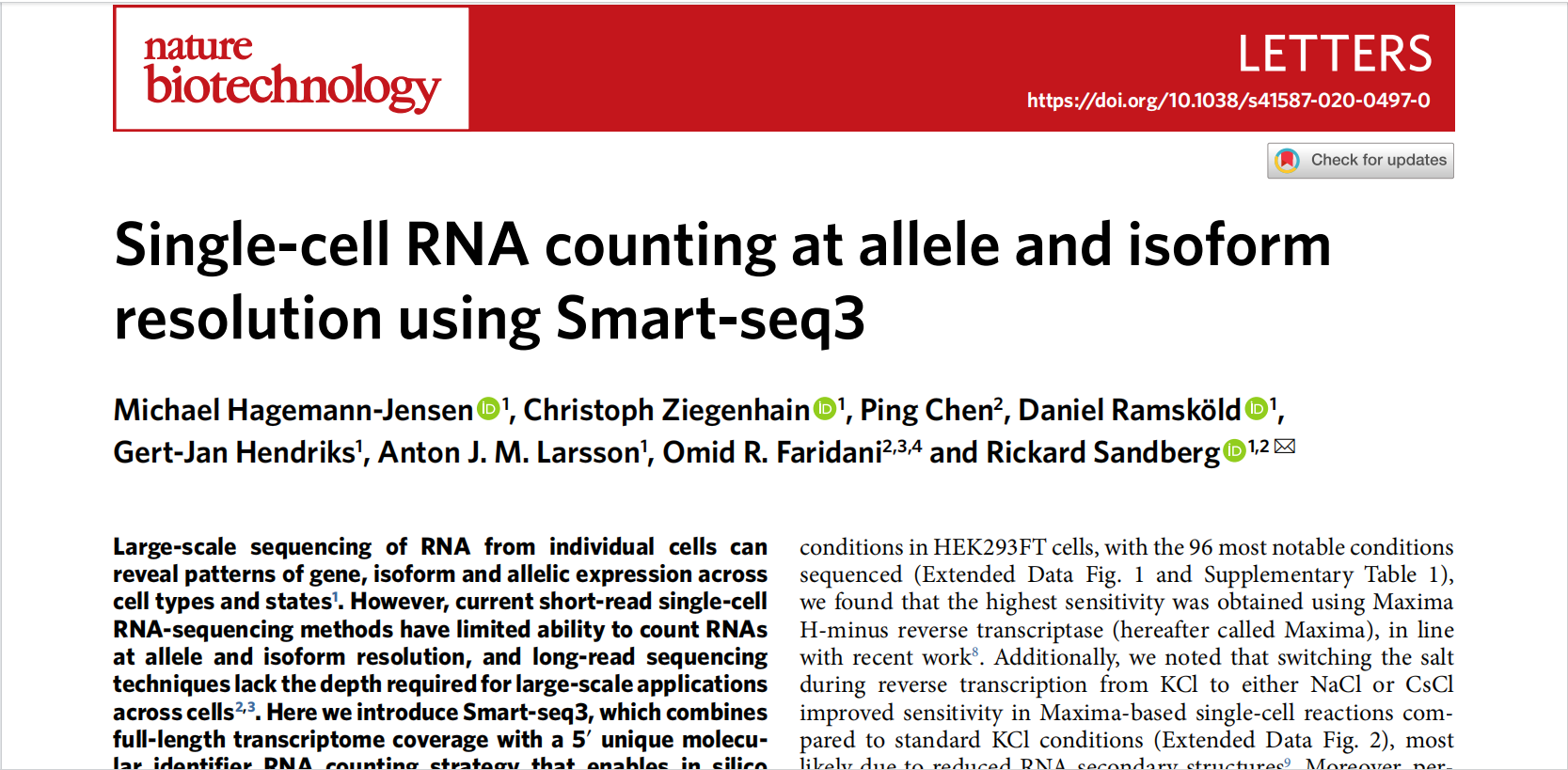
1、对于论文式左右两页的pdf文件读取后进行文字切割时无法正确切割到文字的顺序

2、对于pdf中图像的读取能力弱,图像内容无法读取完全

3、ChatGPT api的调用时间漫长,且还需限制调用的频率时间间隔

对于以上问题的进一步优化后的代码

1
2
3
4
5
6
7
8
9
10
11
12
13
14
15
16
17
18
19
20
21
22
23
24
25
26
27
28
29
30
31
32
33
34
35
36
37
38
39
40
41
42
43
44
45
46
47
48
49
50
51
52
53
54
55
56
57
58
59
60
61
62
63
64
65
66
67
68
69
70
import fitz
import openai
import time

openai.api_key = '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'
context = ""

# Step 1: Extract text from the PDF
with fitz.open('Single-cell RNA counting at allele and isoform resolution using Smart-seq3.pdf') as pdffile:
numpages = pdffile.page_count
for pagenum in range(numpages):
page = pdffile[pagenum]
pagetext = page.get_text()
context += pagetext

# Define the text splitting function
def splittext(text, chunksize=5000):
from io import StringIO # You'll need this import for StringIO
from nltk.tokenize import sent_tokenize # Assuming you're using nltk for sentence tokenization

chunks = []
currentchunk = StringIO()
currentsize = 0
sentences = sent_tokenize(text) # Using nltk's sent_tokenize
for sentence in sentences:
sentencesize = len(sentence)
if sentencesize > chunksize:
while sentencesize > chunksize:
chunk = sentence[:chunksize]
chunks.append(chunk)
sentence = sentence[chunksize:]
sentencesize -= chunksize
currentchunk = StringIO()
currentsize = 0
if currentsize + sentencesize < chunksize:
currentchunk.write(sentence)
currentsize += sentencesize
else:
chunks.append(currentchunk.getvalue())
currentchunk = StringIO()
currentchunk.write(sentence)
currentsize = sentencesize
if currentchunk.getvalue():
chunks.append(currentchunk.getvalue())
return chunks

# Define the GPT-3 completion function
def gpt3completion(prompt, engine='text-davinci-003', temp=0.5, tokens=1000):
prompt = prompt.encode(encoding='ASCII', errors='ignore').decode()
try:
response = openai.Completion.create(
engine=engine,
prompt=prompt,
temperature=temp,
max_tokens=tokens
)
time.sleep(10) # Wait for 10 seconds between requests to avoid rate limits
return response.choices[0].text.strip()
except Exception as oops:
return "GPT-3 error: %s" % oops

# Step 2: Split the text into chunks and use GPT-3 for summarization
# chunks = splittext(context)
# summaries = [gpt3completion("Summarize the following text: " + chunk) for chunk in chunks]

# # Step 3: Combine all the summaries for the final abstract
# final_summary = " ".join(summaries)

# print(final_summary)
print(context)

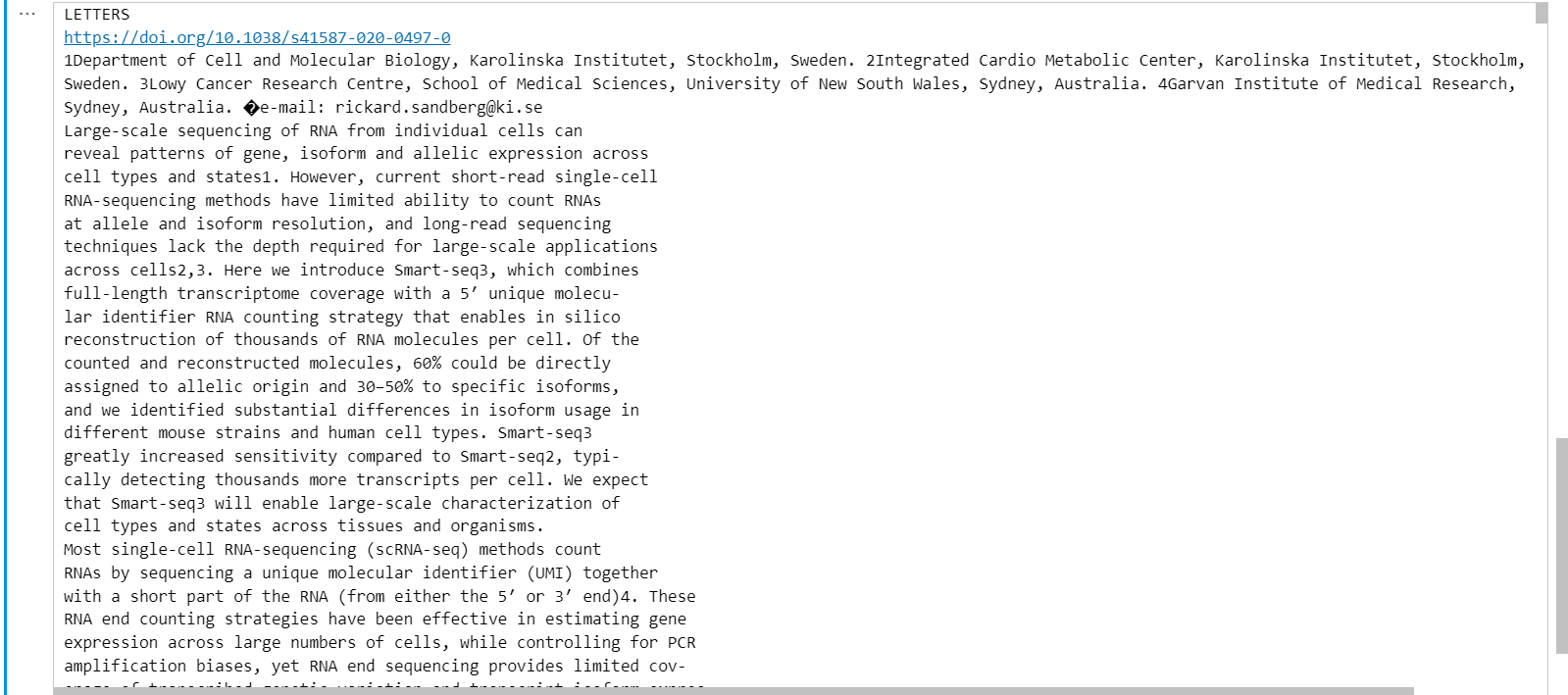
尝试读取左右两页的pdf,结果如下

Untitled

Untitled

对于PDF文件的论文左右分页格式能够进行较为准确的分割,但仍然会有些分割错误出现。